

QR code & NFC
QR code, NFC or link: how to choose your sharing method
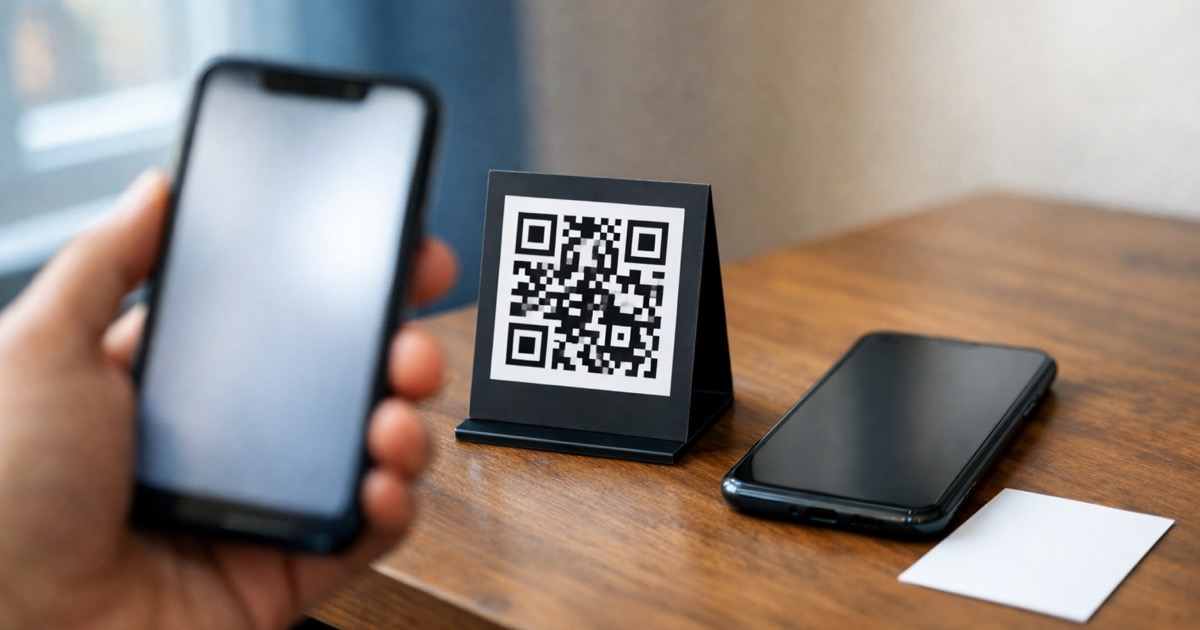
Choose according to the situation, not the technology: the QR code when the person is within sight or in front of a printed item, NFC when they are a few centimetres from you, the link when the meeting happens by message. All three open the same page. What changes is the moment when each one works well, and the moment when it fails.
The common ground: all three open a web address
A QR code, an NFC chip and a link do the same thing: they pass on an address. Your card stays in one place, and you can correct a number without redoing a physical item, as long as the encoded address does not change. Choosing a sharing method therefore means choosing a gesture, not a content.
The QR code: from a distance, on paper, contactless
The QR code is read with the camera, with no app and no contact. It is the most universal method: it works on a screen, a shop window, a poster, an invoice.
Two practical rules come up repeatedly in printing guides. The first is a distance ratio of about 1 to 10: a 1 cm code can be read from about 10 cm away, and you should allow a margin outdoors or in poor lighting [1]. The second is the quiet zone: an empty margin of at least four modules (the small squares) around the code [1]. These values come from practitioners' guides, not from the text of the ISO/IEC 18004 standard, which we could not consult. Always test your printed code with two different phones.
Limits: a damaged code, one that is too small or placed on a busy background cannot be read, and it has no effect if the person hesitates to take out their phone in front of a locked screen.
NFC: a few centimetres away, one gesture
NFC works by proximity: the typical range is a few centimetres, around 4 cm according to the popular-science sources consulted [2]. A chip contains a record of the NDEF type, a standardised format that can store a web address [2].
On the phone side, the situation depends on the system:
- iPhone: background tag reading is described by Apple for XS models and later, with chips in NDEF format containing a web address [3]. On an older model, reading requires a dedicated app.
- Android: the system reads NDEF chips when the screen is unlocked, unless NFC is turned off in the settings [4]. Recent versions of Android change the behaviour for web addresses: since Android 16, a chip containing an http or https address triggers the opening of the link, and since Android 17 a notification first asks for confirmation [4].
Practical conclusion: NFC is pleasant face to face, but it assumes that the person has a compatible phone, NFC turned on and the screen unlocked. Never use it as the only method.
The link: remotely, in a message
The link is the simplest: it can be pasted into an e-mail, a text message, a messaging app, a signature. It suits cases where you write to someone after a meeting, or where you are asked "can you send me your contact details?". It requires no hardware, but it needs the other person to be reachable and to read their message.
A grid for choosing by situation
Illustrative example, to be adapted to your activity.
| Situation | First choice | Complement |
|---|---|---|
| Meeting standing up, trade show, meeting room | NFC or QR code displayed on your phone | Link sent by message afterwards |
| Shop window, van, poster, menu | QR code | Short address written in plain text next to it |
| Phone call, e-mail, request received | Link | None |
| Paper card, brochure, printed quote | QR code | Short address written in plain text |
| Plate or sign | QR code | If you are considering an NFC chip, test it on the real support before producing |
The complement matters: each method has a known failure, and the next one covers it.
Prerequisites and common mistakes
- Stable address: encode an address that will not change, otherwise all your printed items become wrong.
- One method is not enough: a QR code that cannot be read, with no plan B, loses the contact.
- Test in real conditions: daylight, a third party's phone, locked screen, airplane mode.
- Do not promise what you cannot verify: do not write "all phones" on an NFC item.
- State the expected action: a short sentence near the code ("Scan to save my contact") increases the chances that people know what to do. This is an editorial tip, not a measured result.
In practice with a digital card
With a bloo.Cards card, the principle is the same: the card has an address, which can be shared as a link or as a QR code. You can see an example of a public card here: https://mybloo.cards/card/jean-dupont-2. We have not tested here how an NFC chip behaves on every phone model, and the method above applies whatever the tool.
Conclusion
Plan for all three: a readable QR code on your materials, a chip or a screen for face-to-face meetings, and a link ready to send. Then observe in which situation people actually ask for your contact details, and strengthen that one.
References (consulted on 1 November 2026)
- “What is the minimum size of a QR Code?”, Deloitte MyQR, online help, publication date not indicated. https://myqr.deloitte.com/help/en/article/what-is-the-minimum-size-of-a-qr-code (1 to 10 rule and quiet zone, secondary practitioner source).
- NFC Forum, NDEF and URI Record Type Definition specifications; summary of typical range in “NFC NDEF Record Types”, GoToTags. https://gototags.com/help/nfc/ndef/record-types (the 4 cm range is a typical value, not normative).
- “Adding support for background tag reading”, Apple Developer Documentation, date not indicated; WWDC 2019 Tech Talk 702. https://developer.apple.com/documentation/corenfc/adding-support-for-background-tag-reading. The body of the page could not be re-read in full: the details about XS models and later should be checked before publication.
- “Basics of NFC”, Android Developers, Google. https://developer.android.com/develop/connectivity/nfc/nfc (consulted on 1 November 2026; Android 16 and 17 behaviour).
Related articles
 QR code & NFC
Dynamic QR code: the key to instant sharing
Discover how dynamic QR codes transform the sharing of digital business cards.2026-07-10 · 4 min read QR code & NFC
NFC: share your card with a simple gesture
NFC technology as a modern, natural alternative to QR codes.2026-07-07 · 4 min read Digital cards