

A card's Tribe is the group of people who keep that same card, for example your bakery's card. Keeping a card is a choice: a simple scan is not enough. bloo.Cards Pocket is the web app for finding it again.

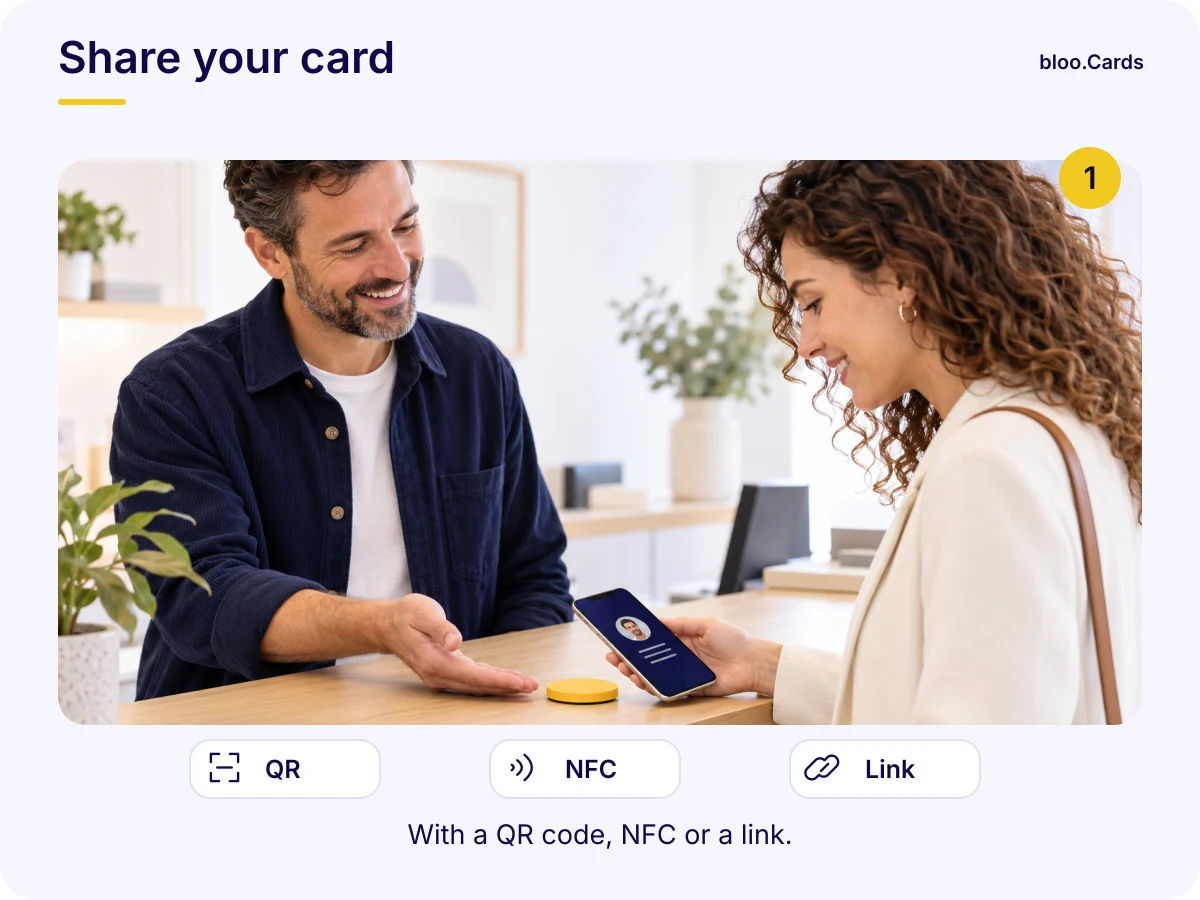
Via QR code, NFC or a link: your contact opens your card in their browser, with no app required.
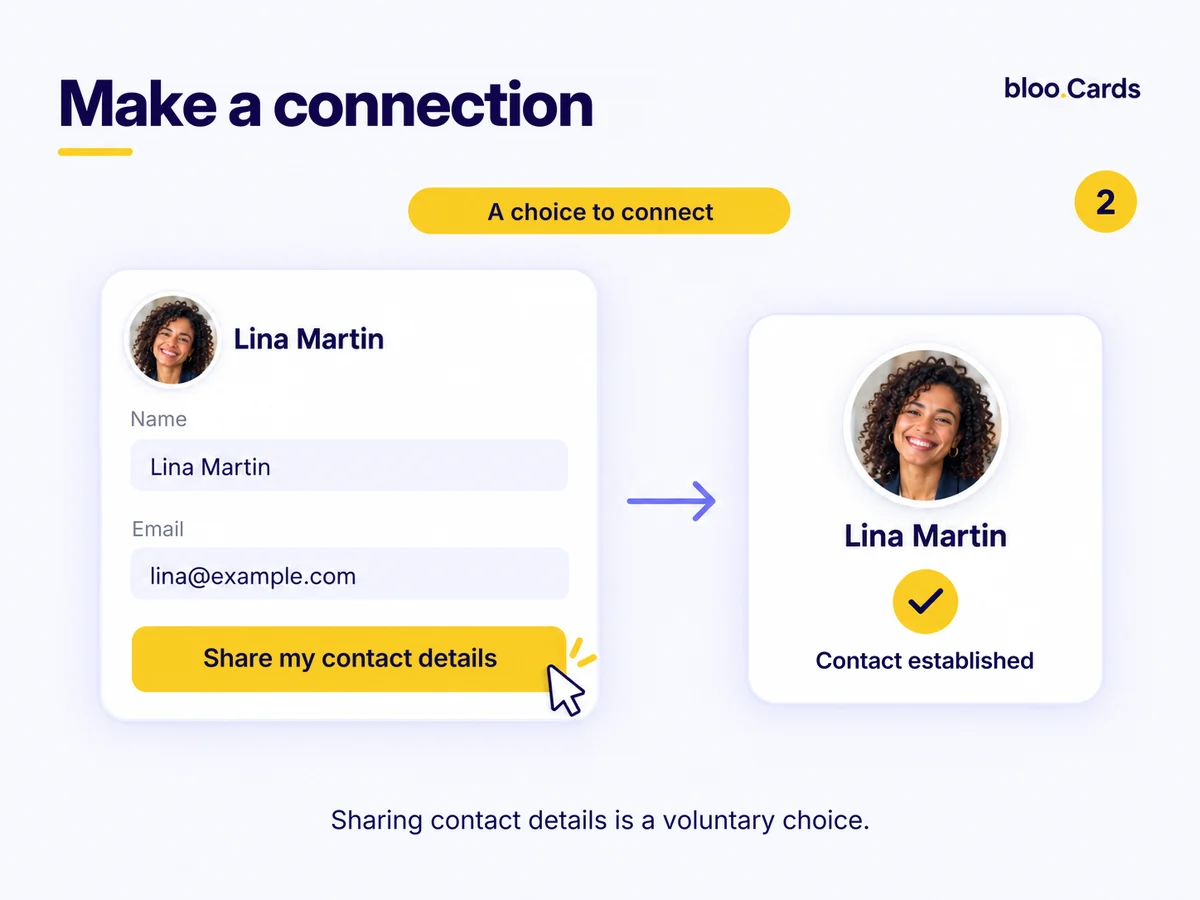
She or he picks one of the three actions described below. Nothing happens without that gesture.
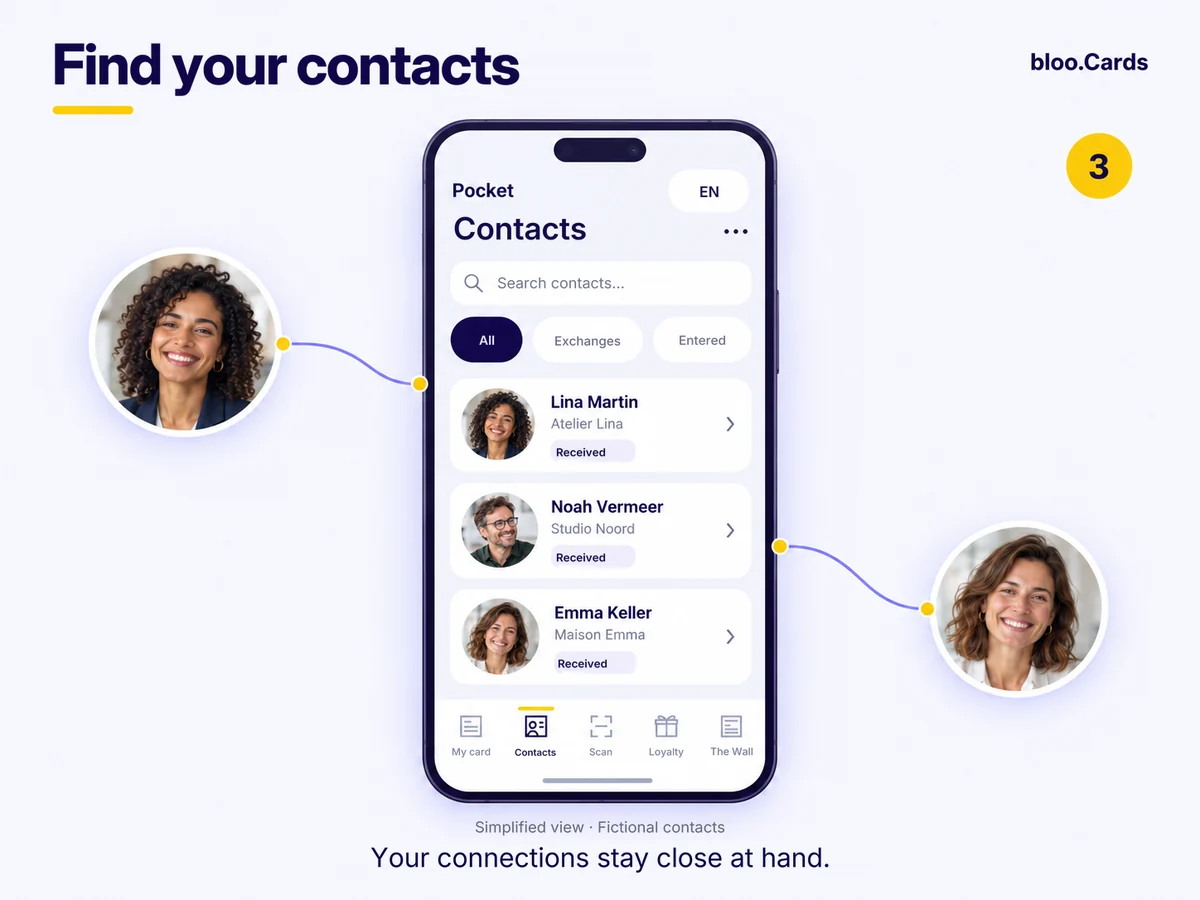
bloo.Cards Pocket gathers the cards you keep and your address book. CSV and contact-file export for every plan.
You find the card again in bloo.Cards Pocket and join its Tribe. The card owner is not told and no link is created.
You download the contact file (Apple, Google) or save it to your address book, with no reciprocity. A downloaded file stays a copy; the online card always shows the latest version.
The card owner receives your request. The relationship exists only once it is accepted.
A simple scan is never enough to join a Tribe or create a link. Keeping a card is not consent to receive advertising.
It gathers the people who chose to keep this card in bloo.Cards Pocket. No connection request is needed.
It gathers the details you have saved: contacts you added, scanned paper cards or details you received. Saving a contact does not create a mutual relationship.
It rests on the accepted links between cards. It lets you discover other cards according to visibility permissions.
You can view it, keep it or save its details. To build a relationship with its holder, send a connection request: it has to be accepted.
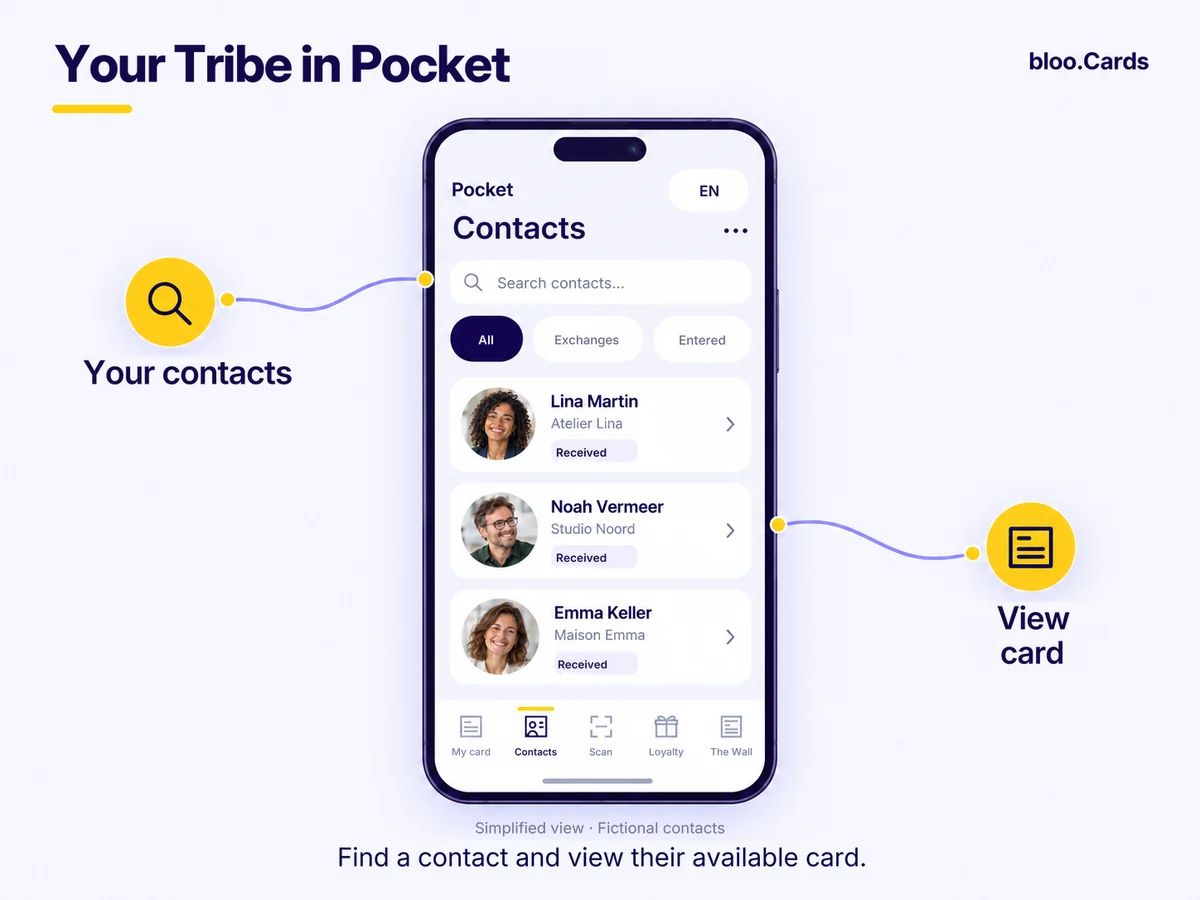
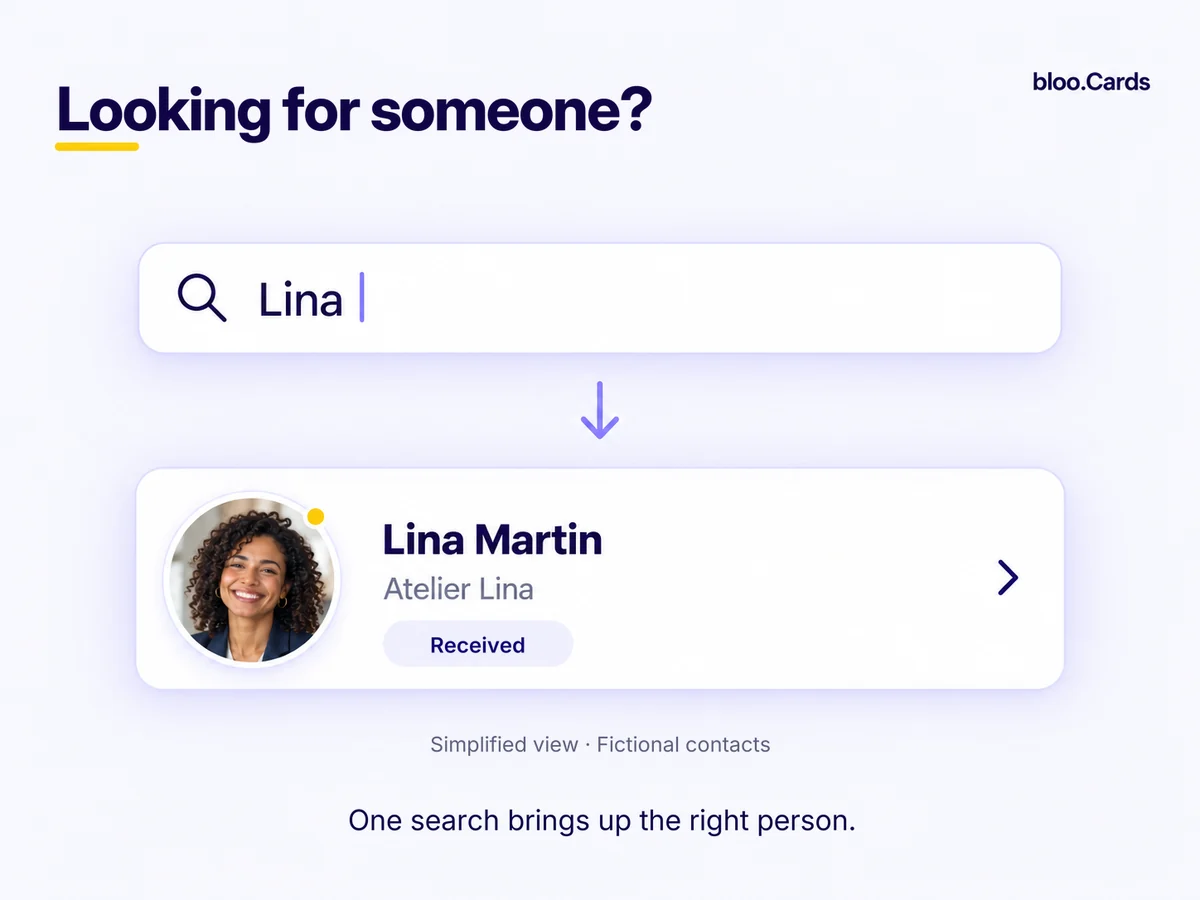
bloo.Cards Pocket is your web companion: find a contact, view their card and run a search, right from your browser.
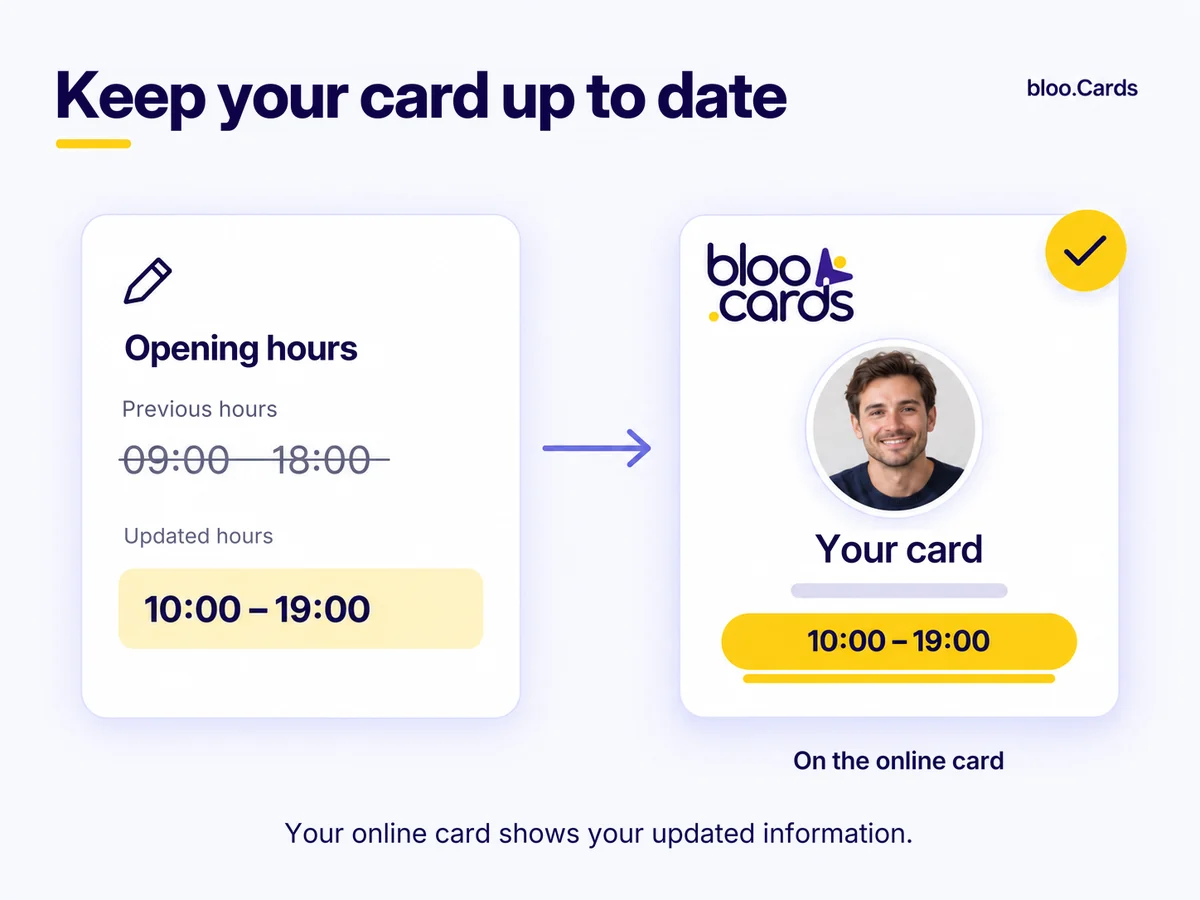
Change a number, a job title, an address: your online card is instantly up to date for anyone who opens it. A contact file (vCard) already downloaded stays a frozen copy: it does not update itself in the Apple or Google address book, but the current version is always one tap away when they reopen your card.
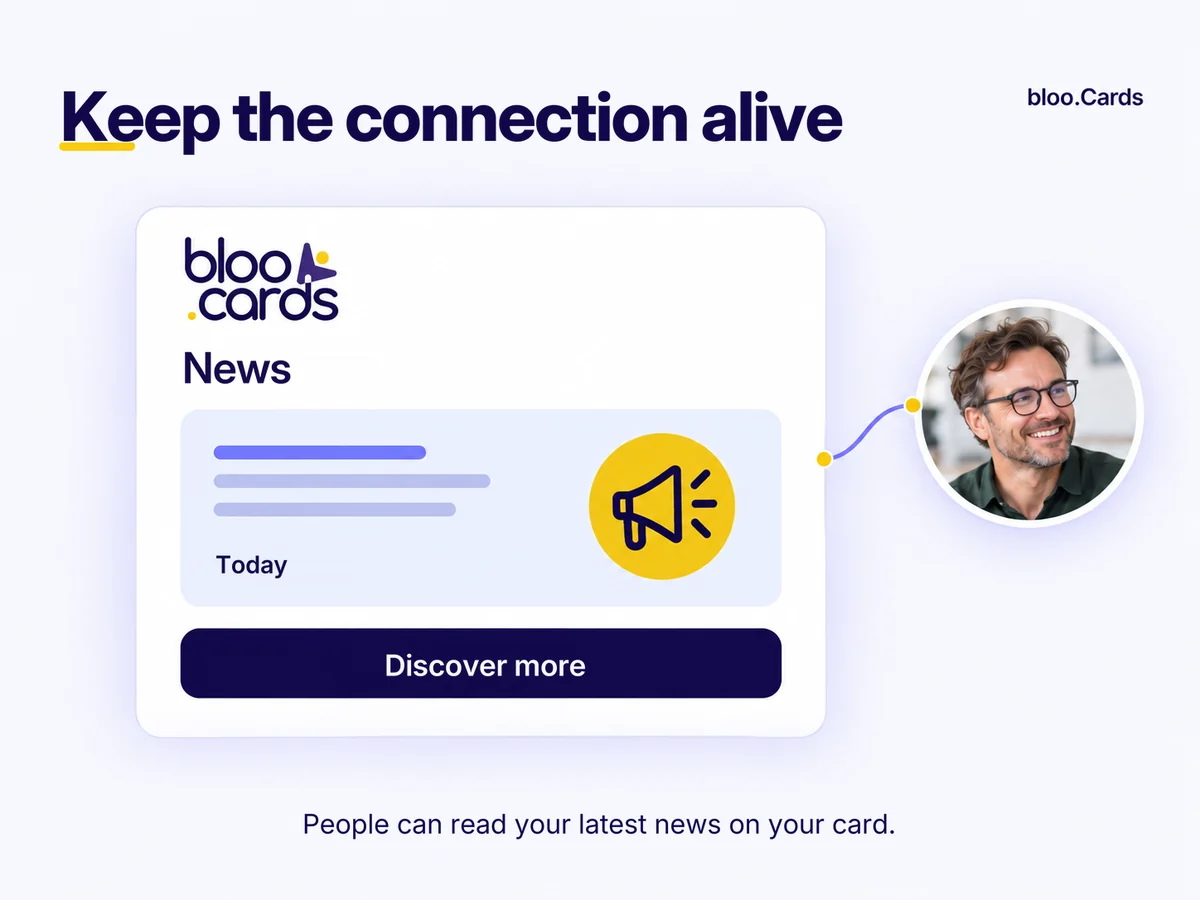
Your news, promotions and job offers can be read directly on your card. A permanent channel, not just a record.
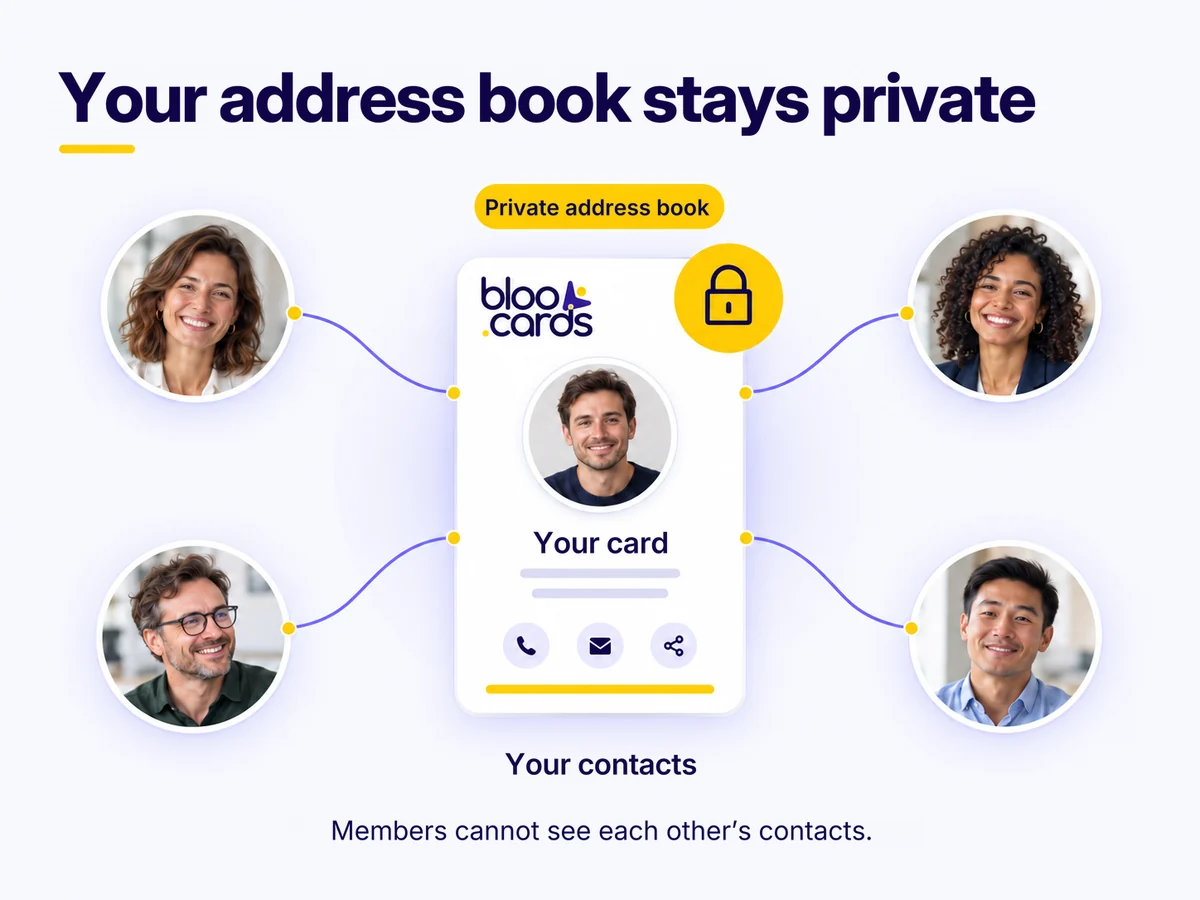
Your personal address book (contacts, notes, cards scanned with your personal card) is visible to you alone. Contacts collected with a company's card belong to that company: it can view them according to its access rights and keeps them if you leave. The network is separate: saving a contact creates no link and makes nothing public.
You are looking for a plumber. One of your contacts knows one. You discover their card, add it to your contacts or send them a connection request.
The person joins your card's Tribe and finds it again in bloo.Cards Pocket. It is discreet: you are not told and no link is created. You receive contact details only if the person leaves them from your card, and a relationship exists only if they send a connection request that you accept. If they download your contact file, they receive your details and you receive nothing.
No. Each person is linked to the card only: members see neither the list nor the details of the others. Only public cards can appear in network search, according to visibility settings.
Yes, for your personal address book (contacts, notes, scanned cards): it belongs to you, is never public and is not visible to your company. Contacts collected with a company's card belong to that company: its managers access them according to their rights, and it keeps them if you leave. The network only shows public, indexed cards: by default only your direct contacts see your link, and you can choose “Private” or “My whole network (3 levels)”, or not appear in search. CSV and contact-file export is available on every plan.
Yes: every card has its Tribe, including a shop's or a team's. With Premium, a company manages all its cards from a single account.
Free, ready in two minutes, no bank card needed.
Get my free card No credit card required.Free for life while your account stays active: a free account inactive for more than 12 months may be closed after prior e-mail notice of at least 30 days. See the terms of use.