

Card exchange: how mutual network exchange works
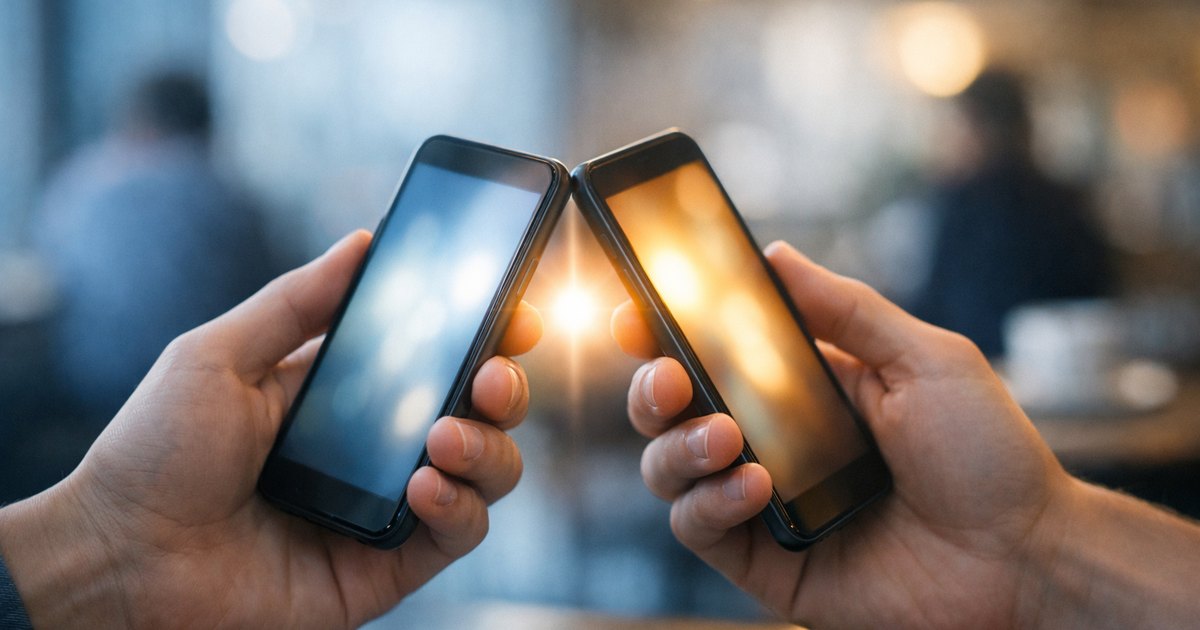
On bloo.Cards, a card exchange can go both ways. When you share yours, the person you meet can leave their details on your card or, if they use bloo.Cards themselves, send you a connection request: once you accept it, each of you keeps the other's card. That is mutual exchange, the heart of a network you build together.
What is mutual exchange?
A paper card leaves and never comes back: you give away your contact without receiving anything in return, unless the other person remembers to hand over theirs. On bloo.Cards, whoever opens your card can save it, and your card also invites them to leave their details. A simple scan only gives you statistics, not their identity: the exchange happens only if they choose it.
How it works in practice
The person you meet scans your QR code or taps their phone on your NFC card. They open your profile and choose: “Add to my contacts” saves your card in their phone; they can also leave their details on your card, and those details arrive in your Wallet. If they have a bloo.Cards card of their own, “Add to my bloo.Cards” sends you a connection request: once you accept it, each card joins the other's Wallet, without a single manual entry.
Why it beats a paper card
No more stack of cardboard cards you retype on a Sunday evening or forget in a pocket. Every contact arrives clean in your address book: name, company, phone, e-mail, links. Nothing to decipher, nothing to re-enter.
What you get back
A complete vCard, ready to use, exportable to your CRM or your phone. Your exchanges turn into a usable contact base, not a pile of paper gathering dust.
Follow-up after the exchange
A saved contact is a contact you can follow up. Note where the meeting came from, send a message straight away, keep the thread going: that is where the difference lies between a sleeping address book and a network that works for you.
In practice
Complete your profile, enable sharing, and invite everyone you meet to leave their details or send you their connection request. The more you share, the richer your network grows, in both directions.
Frequently asked questions
What is mutual card exchange?
When you share your card, the other person can leave their details or, if they use bloo.Cards, send you a connection request: as soon as you accept, each of you keeps the other's card.
Does a simple scan tell me who the visitor is?
No. A simple scan only passes on statistics, with no identity: the exchange happens only if the person chooses to leave their details.
What do I get after an exchange?
A complete vCard (name, company, phone, email, links), ready to use and exportable to your CRM or phone, with nothing to retype.
Related articles

Build a professional network with bloo.Cards
Practical strategies to build a strong network.

From contact to client: turning your network into business
Strategies to turn your contacts into loyal clients.

Digital cards and professional events
How to use bloo.Cards at trade shows, conferences and networking events.