


Digital cards and professional events
A trade show, a conference, an afterwork: these are the moments when you meet the most people in the least time. But those meetings need to leave a trace. Here is how a digital card changes the game on the ground.
Before the event
Prepare your profile: a sharp photo, a clear role, up-to-date links, relevant modules enabled. Print your QR code on a badge or keep your NFC card within reach. You are ready to share in one second, without digging through your pockets.
At the stand or in the aisle
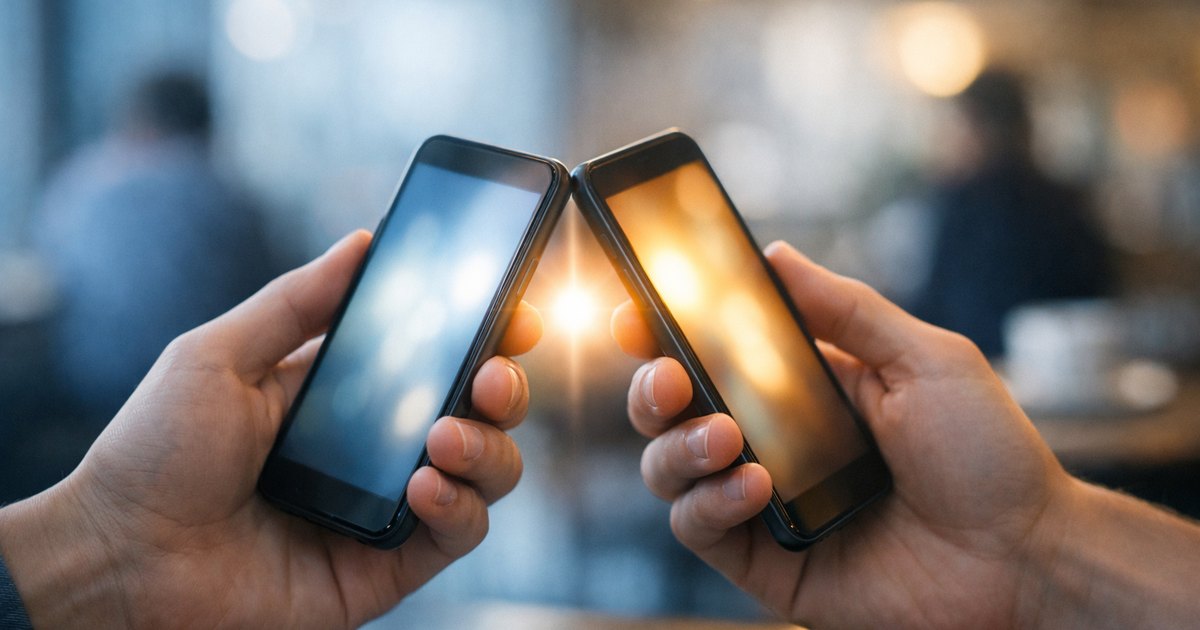
No more counting your paper cards or fearing you'll run out. One card, shared endlessly: every visitor scans, saves your contact card and walks away with your exact details. Their details reach you only if they decide so: they can leave them on your card or, if they have a bloo.Cards card of their own, send you a connection request with “Add to my bloo.Cards”; once you accept it, their card joins your network. A simple scan does not hand over their details.
The displayed QR code
On a banner, a screen or a poster, a large QR code invites everyone to open your profile with no physical contact. Ideal for capturing a queue or a full room after a talk.
Capture details, don't lose them
A paper card ends up at the bottom of a bag; a digital contact card arrives straight in the address book of whoever scans it. For people who also have a bloo.Cards card and whose connection request you accept, their card joins your network, with private notes, favourites and export (Advanced and Premium plans): no more Monday-morning sorting for those contacts, already saved, clean and usable.
Follow up while it's hot
The real work starts after the event. Follow up while the memory is fresh, recall the context of the meeting, propose a concrete next step. That is where exchanged cards become real opportunities.
In practice
Enable NFC and QR sharing, keep your profile up to date, and turn every show into a contact base ready for follow-up. A well-used event is worth months of prospecting.
Frequently asked questions
How do I use my card at a trade show?
Show your card's QR code on your phone or on a printed support. People scan it and save your details without typing anything.
Do I need an app to scan?
No. A phone camera is enough to open your card. Nothing needs to be installed to view it.
What do I do with the contacts after the event?
People who have a bloo.Cards card can send you a connection request. You then keep a record of the meeting and can follow up at your own pace.
Related articles

Build a professional network with bloo.Cards
Practical strategies to build a strong network.
Card exchange: how mutual network exchange works
Understand bloo.Cards' mutual exchange system.

From contact to client: turning your network into business
Strategies to turn your contacts into loyal clients.