

One brand. Many stores. A link that lasts.
A digital card for each store, a common framework managed by head office and useful information for customers. See how to connect the shopfront, the teams and the relationship after the visit, without erasing the local identity of each point of sale.
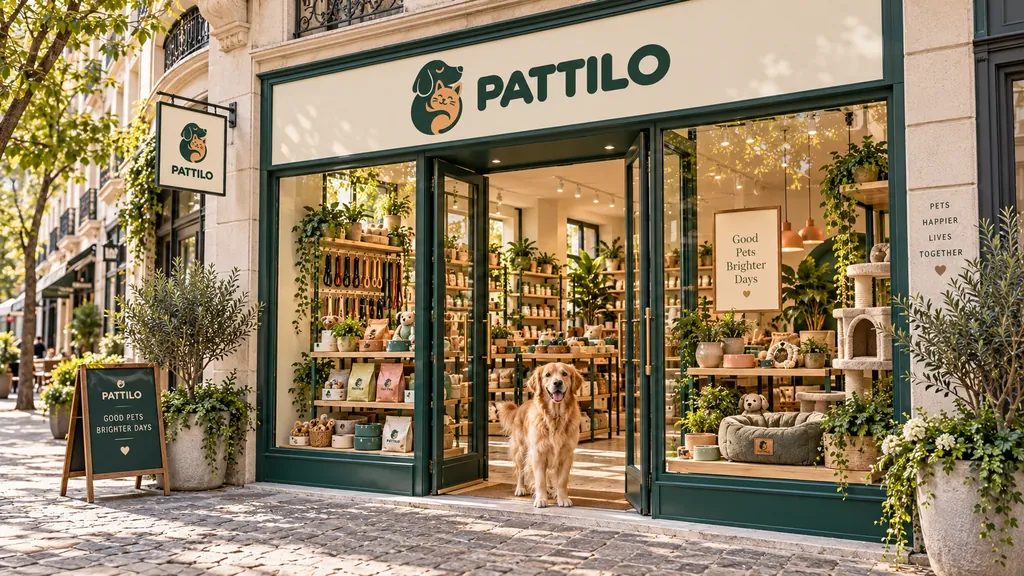 Illustrative Board location
Three players, three needs
Head office: keep things consistent.
Define the visual identity and organise shared content, without asking each store to recreate everything.
The store: stay close.
Present its own information, in the fields and modules left for it to manage: contact details, team, opening hours or local services.
The customer: find what matters.
Access the right information, then choose to keep the store's card to find it again after the visit.
A useful journey, from shopfront to relationship
Reach the right store.
A Board on the shopfront gives access to the point of sale's card by QR code or NFC. In our example, the customer opens the card of their PATTILO store, rather than a general page that makes them search for their store.
Note: NFC reading depends in particular on the device and the placement. The location and readability of the medium should be tested on site.
Find useful information.
Opening hours, contact, team presentation, catalogue or services: the card brings together the content chosen for this store. The aim is not to show every module, but to make the useful action easy to find.
Example: after receiving advice, a PATTILO customer finds the presentation of the department and the contact details of her store again.
Choose to keep the link.
The Wallet lets you keep bloo.Cards cards and find your contacts again. The customer can thus keep access to the store's card and check its information when needed.
Note: reading the card, adding it to the Wallet and sharing contact details are separate actions. An update of the card must not be presented as a notification automatically received by every customer.
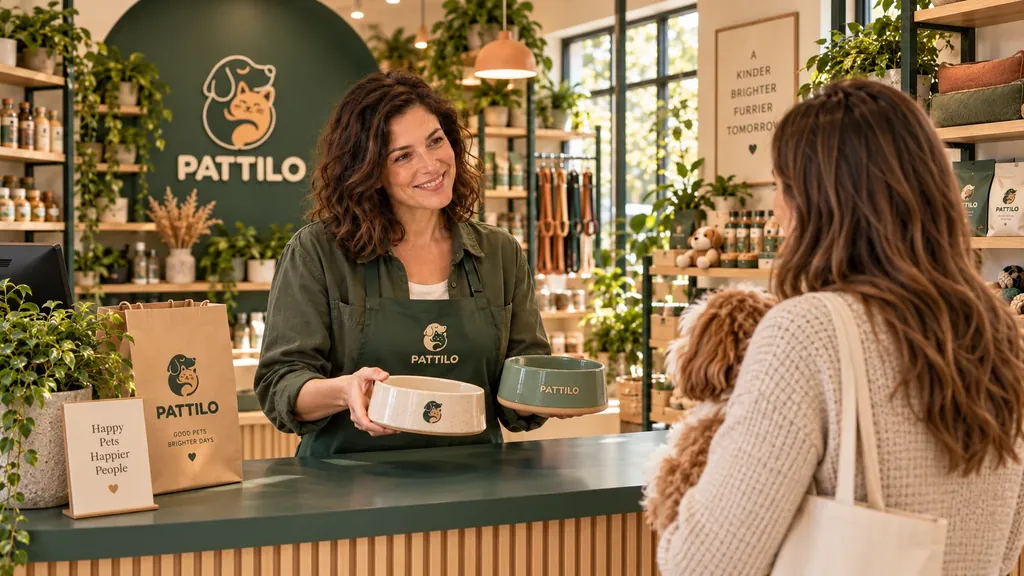
Corporate: a common framework, room for the local
With CORPORATE, the layout and certain modules are managed centrally. Head office organises what belongs to the brand; the teams work within the scope assigned to them.
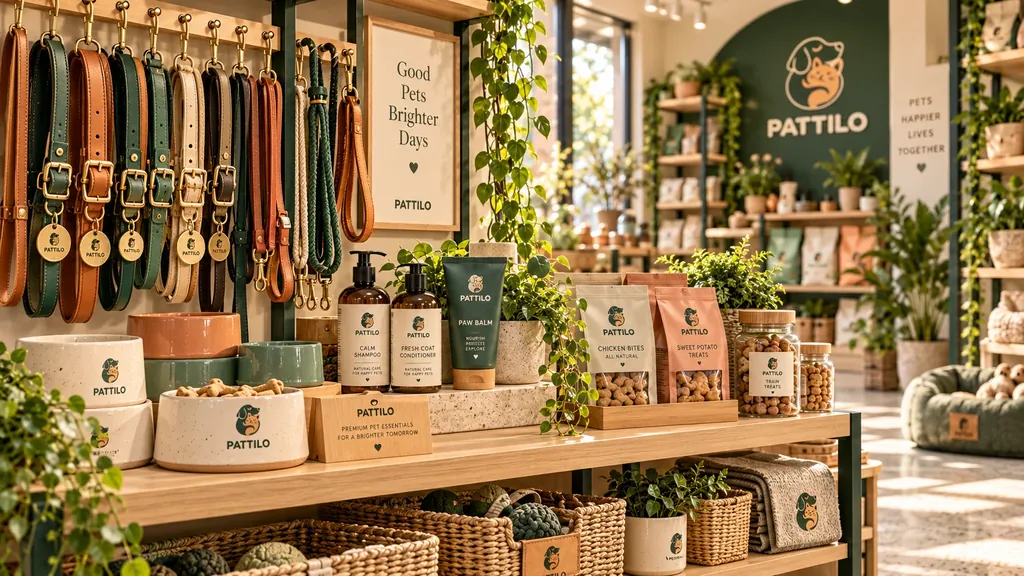
To share
A presentation of the brand, a shared catalogue or other content placed under global management.
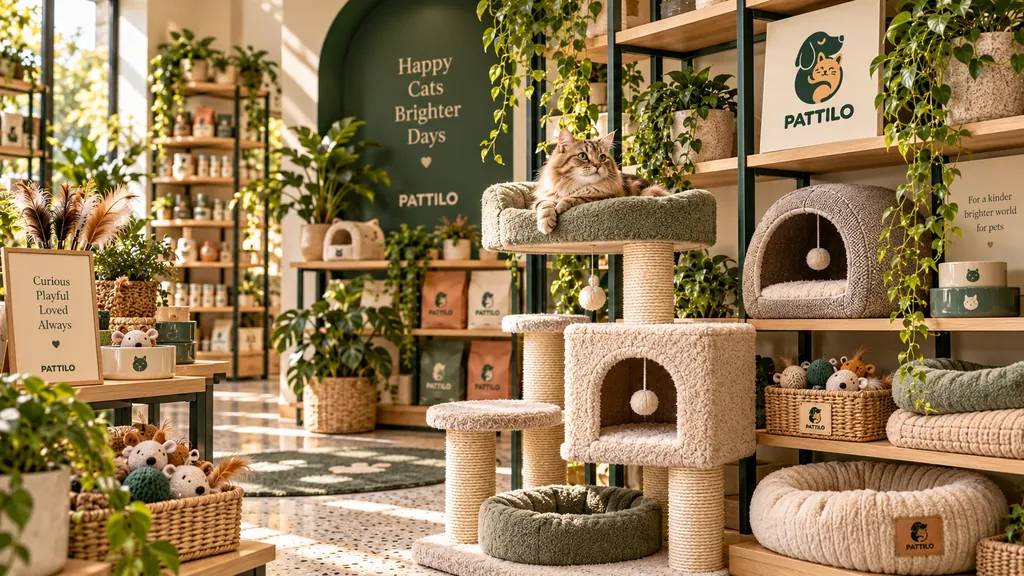
To adapt
The information specific to the point of sale and the modules kept under local management.
Responsibilities are shared module by module. A shared module and a local module can appear on the same card. This does not mean that two versions of the same module, national and local, are automatically merged.
The benefits — and what to plan for
| What we aim to improve | What needs organising |
|---|---|
| A consistent presentation of the brand. | Define the shared elements and the room for local autonomy. |
| Less repetition for shared content. | Appoint the people responsible for updates and avoid double entry. |
| Simple access from the store. | Give a reason to scan, then check placement, lighting and the mobile journey. |
| A relationship the customer can keep. | Offer a useful service, without confusing viewing, an identified contact and consent to communication. |
Why not simply put a QR code to our website?
If a page of your website already meets the need, it remains a good solution. The value of bloo.Cards has to show in how the cards are organised, the shared and local content, and the ability to keep the link. The QR code is a way in; what happens next makes the difference.
Start with one use, not with every module
A pilot lets you check the value before a wider roll-out. Choose a small group of stores, one priority customer action and one person responsible for the content. Then test the journey with people who do not yet know bloo.Cards.
For head office:
does the organisation really reduce repetitive tasks?
For the store:
does the customer find useful information without assistance?
For the customer:
is there a good reason to keep the card and look at it again?
A number of scans is not enough to prove a commercial result. Also look at the useful actions and the teams' feedback, with the measurement tools actually available.
Frequently asked questions
Do I need to install the Wallet to read the store's card?
No. The public card is viewed in a browser. The Wallet serves other uses, including keeping and exchanging cards.
Can each store have its own information?
Yes, in the fields and modules left for it to manage. Head office keeps control of the shared elements defined in the Corporate configuration.
Does central management delete local content?
The global/local mechanism keeps local content when switching. It can reappear when the module returns to local management. Do not confuse this retention with two versions being shown at the same time in the same module.
Does this replace our CRM or our till system?
This guide presents a complement to the existing journey, not a replacement. Contact exports are available depending on the plan. Native connectors are announced as coming soon and the API/webhooks are in early access. Any operational integration must be confirmed for your environment.
Is loyalty shared across all stores?
The public presentation currently distinguishes a programme per store card from a network-wide loyalty programme that is still announced as coming soon. The scope must be confirmed before promising anything to customers.
What should be specified before ordering the Boards?
The desired medium, the location, the mounting, the QR/NFC destination, the number of points of sale and the supply conditions. No universal format, price or level of resistance is promised on this page.
Read also: Chains & multi-site · Corporate · the Wallet · CRM and exports · How it works
Let's start from your network, not from a feature list.
Number of stores, head office/local organisation, existing tools and the service customers expect: let's define together a useful journey and a realistic scope.
Let's talk about your network